What to Consider Before Buying a Photocopy Machine for Your Business?
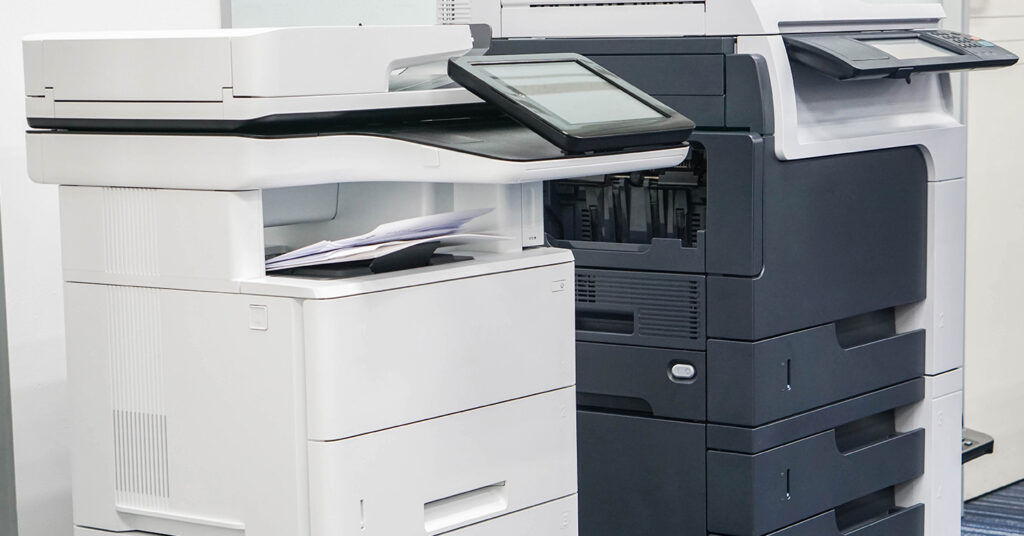
🖨️How to Choose the Right Photocopier for Your Business Whether you run a small office or manage a large team, picking the right photocopier is important. It’s not just about cost—features, efficiency, and compatibility can affect daily productivity. Here’s what to consider before making a choice: 1. Print Quality and Color Options High-quality prints make […]
Why Renting a Laser Printer is a Smart Move for Your Business?

💼 Why Renting a Laser Printer Can Benefit Your Business Keeping up with technology is important for every business. Whether you run a small office, design studio, or retail shop, relying on older printers—like outdated inkjets—can slow down your workflow, especially when printing large files, reports, or detailed documents. Older machines may also require frequent […]
How to Safely Remove Stuck 3D Prints from Your Printer Bed
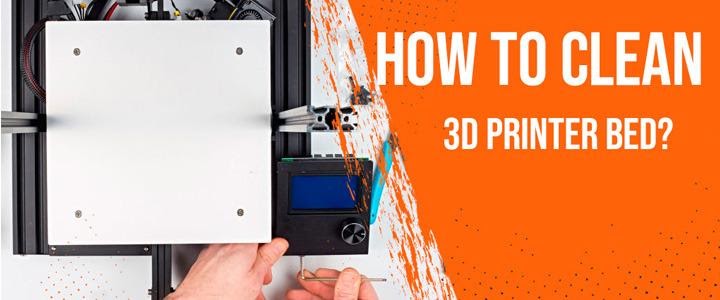
(General Educational Guide) Removing a stuck 3D print can be frustrating, especially when it strongly adheres to the build plate. However, using the right techniques can help you remove it safely without damaging the print or the printer bed. Let the Bed Cool Down Cooling often helps the print release naturally. Allow the printer bed […]
How to Clear the Printer Queue: Fast and Easy Fixes That Work

(General Educational Guide) A stuck print job can quickly interrupt your workflow. You send a document to print, but instead of completing, the printer freezes or keeps repeating old tasks. In most cases, this happens because the print queue gets jammed. Clearing it helps reset everything and restore normal printing. Why You Need to Clear […]
Why Clearing the Printer Queue May Be Helpful
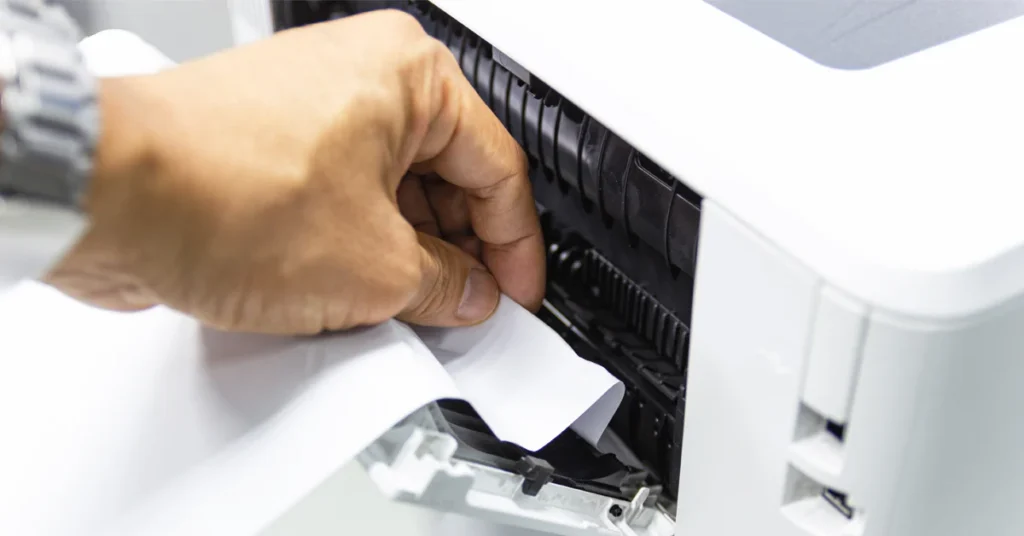
(General Educational Guide) When multiple documents are sent to a printer, the operating system temporarily stores them in a processing list known as the print queue. This queue helps organize print jobs and sends them to the printer one at a time. In some situations, pending documents may need to be removed before printing continues. […]
Understanding How Wireless Printers Connect to Wi-Fi

(General Educational Guide) Wireless printers allow documents and images to be printed over a local Wi-Fi network without requiring a direct cable connection. Once connected to the same network as a computer, smartphone, or tablet, a compatible printer can receive print requests from multiple devices, making everyday printing more convenient in homes, offices, and learning […]
Understanding Why a Printer May Not Produce Color Output
(General Educational Guide) It can be surprising when a printer that normally produces color documents begins printing only in black and white or shows little to no color output. In many cases, this behavior is related to print settings, ink availability, or routine maintenance rather than a permanent device problem. This guide explains the general […]
Understanding How to Add a Printer to a Chromebook
(General Educational Guide) Chromebooks are designed to provide a simple and streamlined computing experience, including support for everyday printing. Whether a printer is connected through a USB cable or available on the same Wi-Fi network, ChromeOS includes built-in features that allow compatible printers to be recognized without complex setup procedures. This guide explains the general […]
Understanding Wireless Printing from an iPhone: A General Guide
(General Educational Guide) Wireless printing allows compatible iPhones to send documents, photos, and other printable content to a printer over a local Wi-Fi network, eliminating the need for physical cables. Once both devices are connected within the same network environment, printing can often be initiated directly from the iPhone using built-in system features or compatible […]
A Practical Guide to Understanding the “Paper Size Mismatch” Message
(General Educational Guide) A “Paper Size Mismatch” message may appear during printing when the paper size selected in your print settings does not correspond with the paper loaded in the printer tray. Although the notification may interrupt the printing process, it is generally intended to prevent formatting issues and ensure that documents are printed using […]